Grase Hotspot
Ubuntu Server Installation
Ubuntu Server Installation
Ubuntu Server Installation
Step by step instructions for installing Ubuntu Server ready to install the hotspot.
Ubuntu 12.04 (LTS) is tested and currently supported. Debian 6 is also currently supported
- Boot off the Ubuntu Server CD.
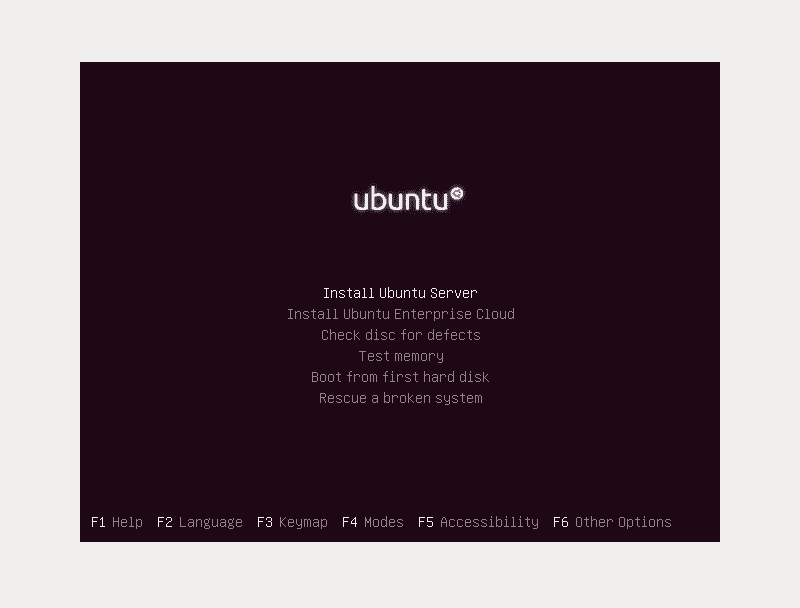
- Select your language and then select Install Ubuntu Server
- Select your location and keyboard following the prompts
- Allow the installer to detect your hardware
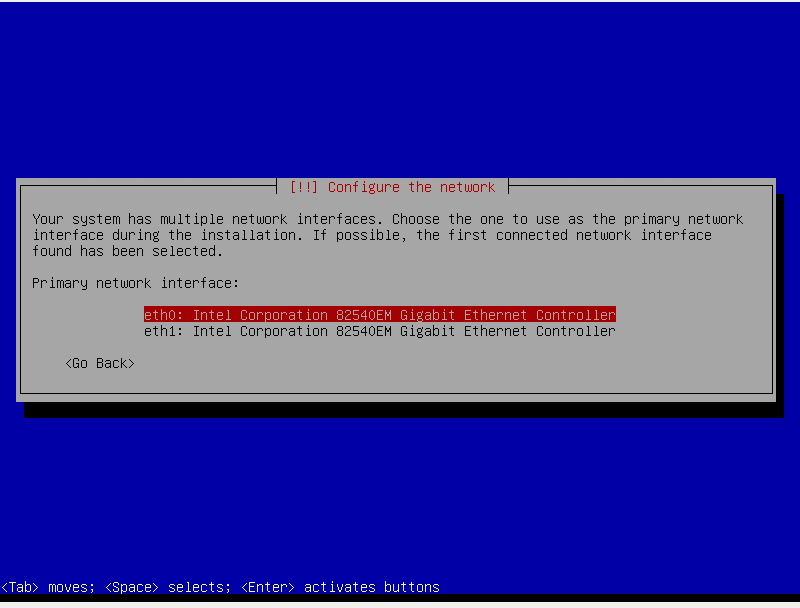
- As you have 2 network cards installed, it should ask you which one is the primary one.
- If you know, then select it, otherwise select the first one
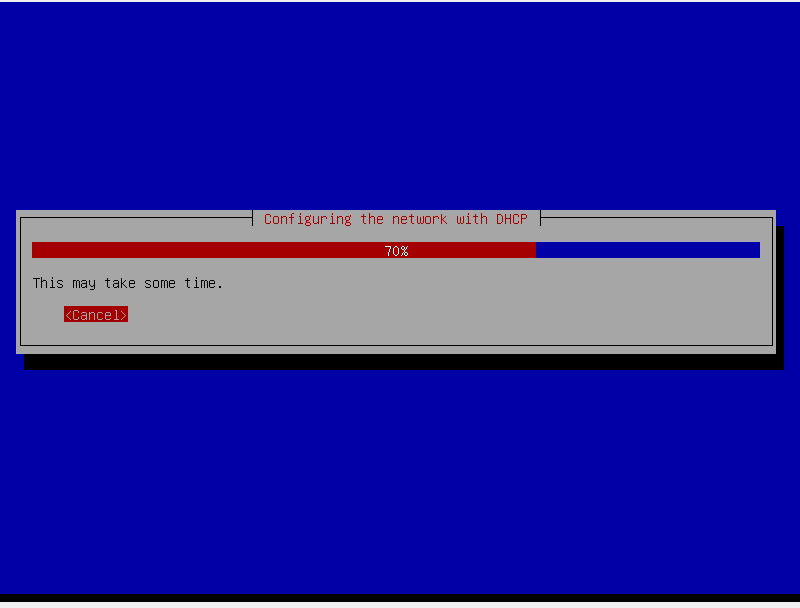
- It will then attempt DHCP to setup the network card. If it fails then you need to select “Go Back” and try with the next network card.
- You need to ensure the network cable is plugged in and the router is working
- When it asks for a hostname, choose something descriptive to your location. This hostname is used to identify the system for remote support so something other than hotspot would be good.
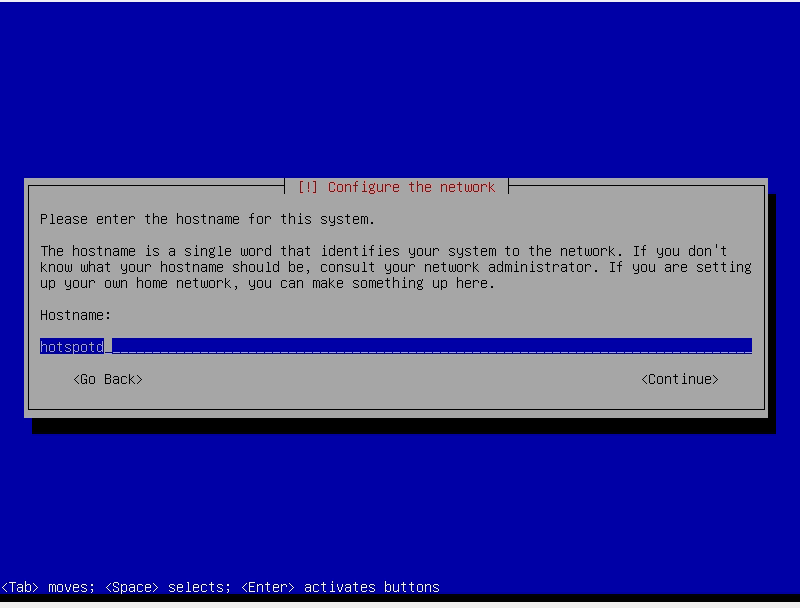
- It will then attempt to setup the clock, if it gets the wrong timezone, just select the correct one.
- Soon it will ask you about partitioning the disk.
- Choose the first option to use guided partitioning and use the entire disk.
- The confirm the changes it prompts to write to disk and watch as it formats the drives ready for the new install
- It will then start installing the base system. On a slower computer, now is a good time to go have a coffee break or something.
- Enter your name when asked for the new user account. This will be your local account, not the remote assistance account
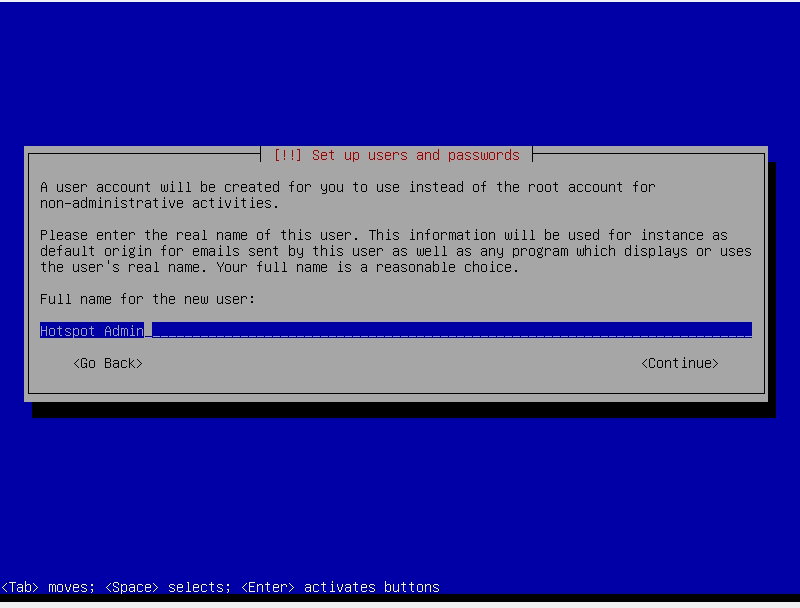
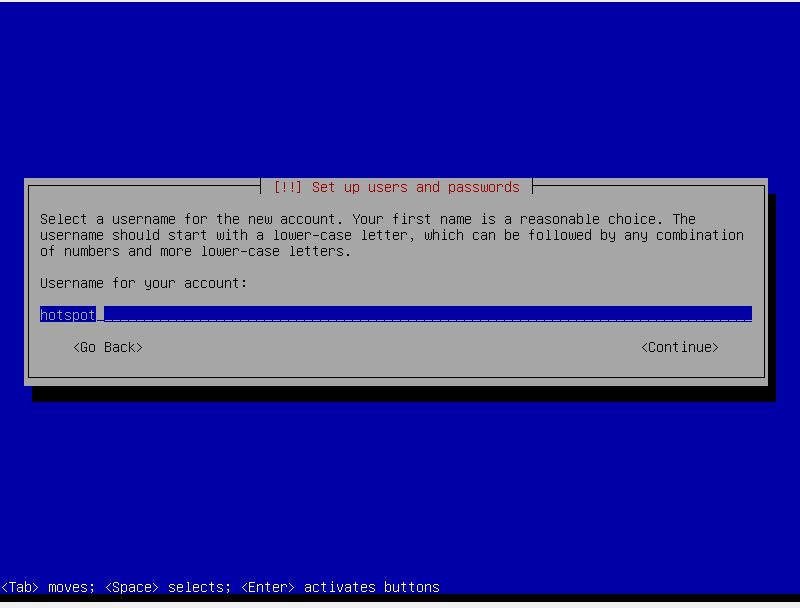
- Choose a username for yourself
- Choose a secure password
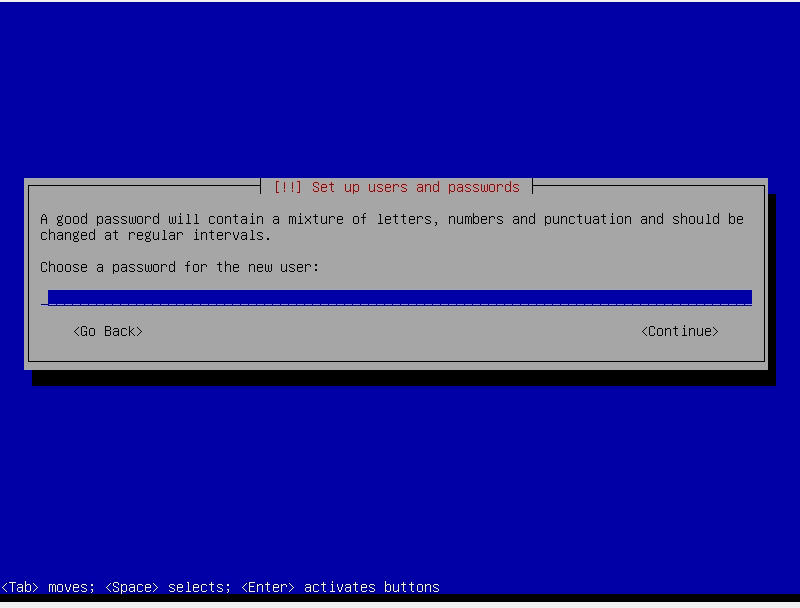
- Re-enter your password again when prompted
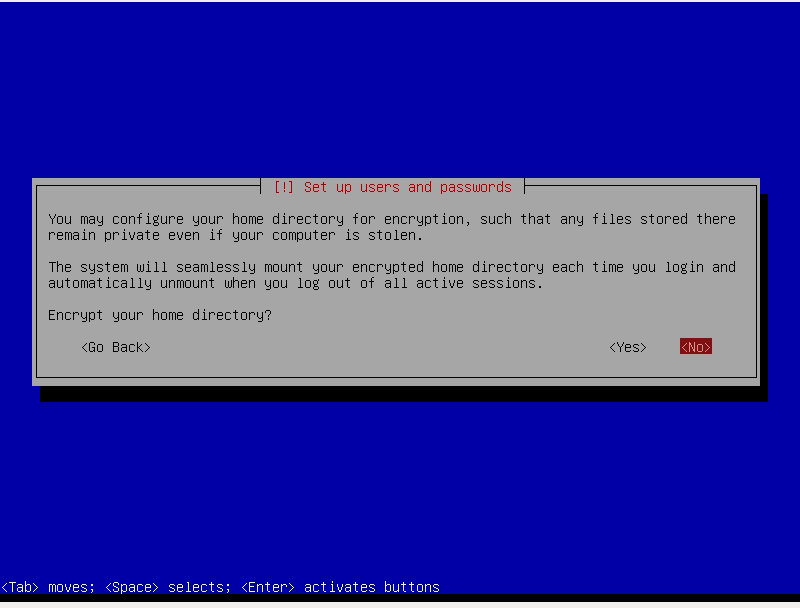
- Choose not to encrypt your home directory
- It will now setup the APT sources etc
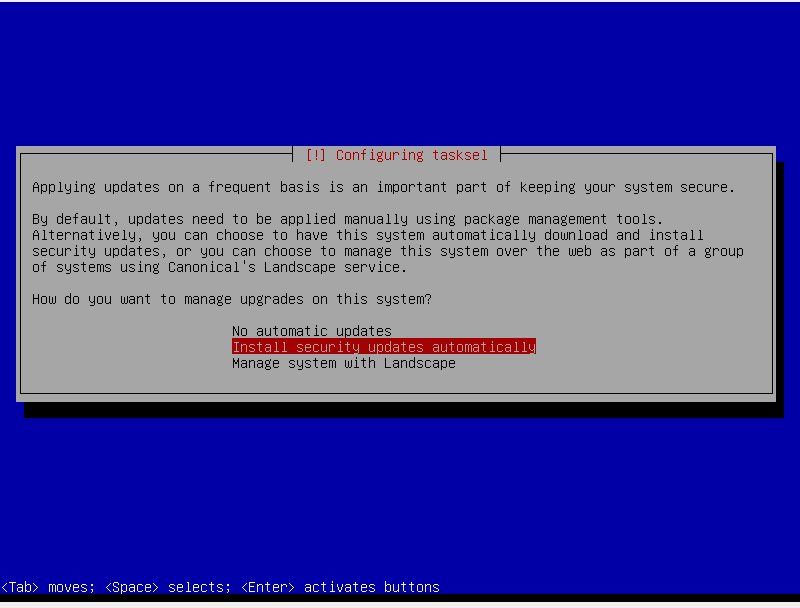
- Select to automatically install security updates
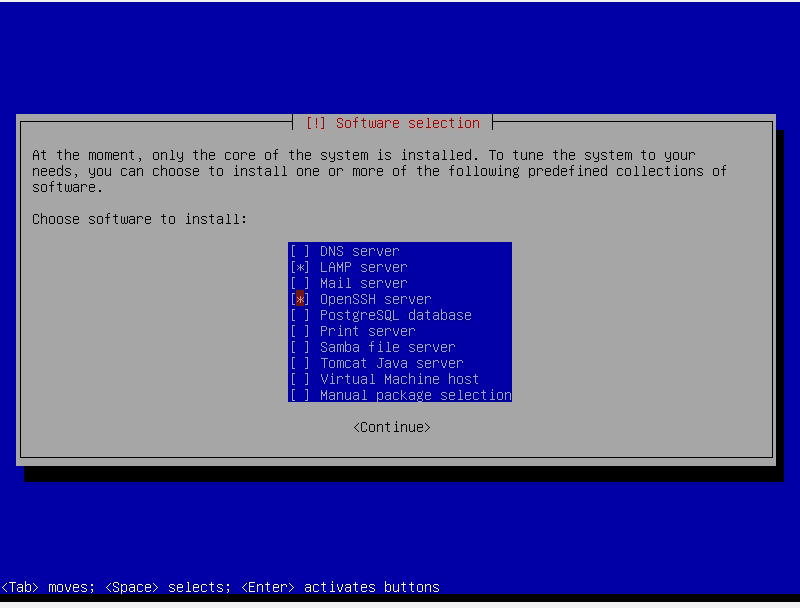
- When it asks what software you want to install, choose LAMP Server and OpenSSH Server
- At this stage it will probably ask you to set a password for the MySQL root user. Do this and if it’s different from your normal password, remember it as you will need it later
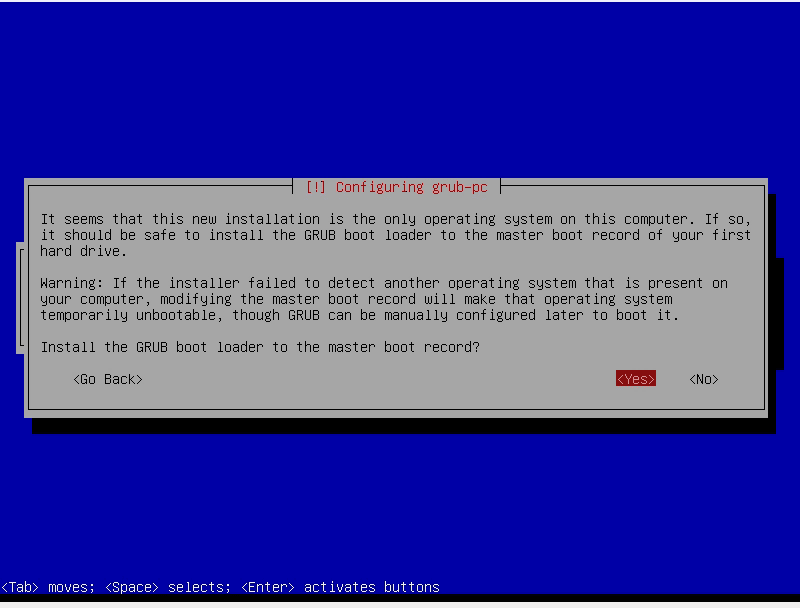
- Install GRUB to the Master Boot Record
- The install is now finished, eject the CD and reboot
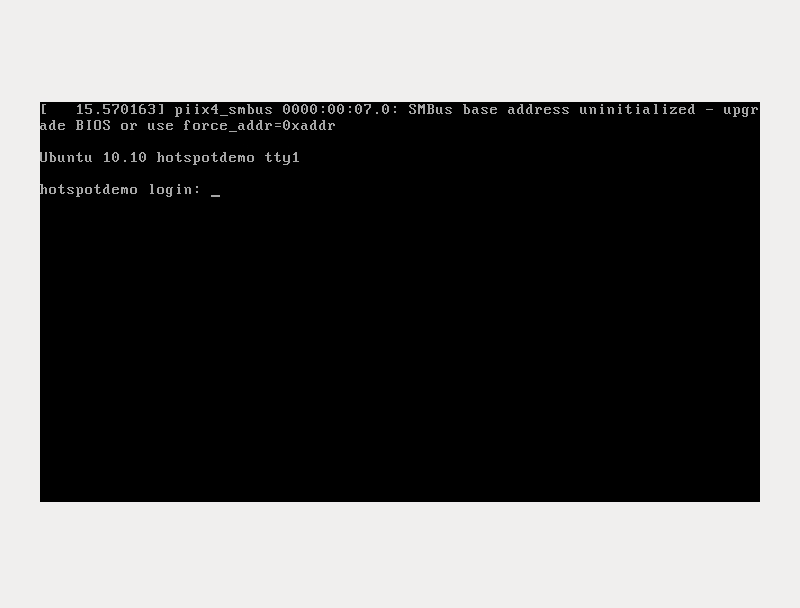
- You should be presented with a login screen similar to the following